Showing posts with label Testing. Show all posts

Friday, November 15, 2019

UPDATE - FA-VA5 Vector Antenna Analyzer

On October 23, 2019, I received the DG5MK FA-VA5 Vector Antenna Analyzer from SDR-Kits. I previously posted on this Blog my search for such a product - CLICK HERE - to see that post. My order was very well packed and included a BEAUTIFUL 40-page manual which is full of color photos.  The manual can be downloaded as a PDF from this link: https://www.box73.de/file_dl/bausaetze/BX-245_FA-VA5_Manual_EN_201908_w.pdf  The quality of the kit is top-notch and after checking the parts list, all components had been supplied.

I began the construction of the Analyzer which turned out not to be very difficult.  The hardest thing was to properly position the USB socket and solder it with a mica insulator between it and the circuit board.  There are 16 pads that need to be soldered so it's a bit tedious.  You can see that USB Socket on the left.  Once that is done, you need to screw the motherboard into the housing's lower shell with four M3 screws.  Here is where I ran into a problem.

USB Socket
I was only able to screw in three of the four M3 screws and those only with difficulty.  The holes in the motherboard and the fixed nuts in the lower housing just did not line up well enough.  The holes in the motherboard were just exactly the size needed for the M3 screw with no "play" to allow all four screws to be inserted.  I decided the simplest way to fix this was to drill four larger holes in the motherboard.

I measured the hole size as 3.36 mm which is 0.13228346 inches or ~17/128 of an inch.  I used a 5/32" drill which is 0.15625 inches to slightly drill out the four holes.  This provided just enough "play" to allow the motherboard to be screwed to the lower housing.

Inside Case View
The building instructions are quite detailed and I had no problem following them.  There is a 20-pin socket strip that needs to be soldered along with two 3-pin sockets and all of them must be elevated exactly 7 mm from the motherboard.  This is easily accomplished with the supplied cardboard strips.  See the image at the left.  A small tipped soldering iron needs to be used to prevent any solder bridges.

Three Videos have been produced by Joe Fellner - OE5JFE showing what is involved in Assembling, Operating the FA-VA5 either as standalone Instrument or when connected to a Personal Computer via USB. 

Video Part 1:  Assembling the FA-VA5 Antenna Analyzer:  https://www.youtube.com/watch?v=m67hDfm0XOE

Video Part 2:   Using the FA-VA5 - how to do a Firmware update and perform Master SOL Calibration on a the FA-VA5:  https://www.youtube.com/watch?v=Ad9gjQutxCw

Video Part 3:  Connecting the FA-VA5 Antenna Analyzer to a PC and how to use with the DG8SAQ Vector Network Analyzer Application: https://youtu.be/FnfoTX5_DBo
Socket Strips Spaced 7 mm

It took me 4 hours, 45 minutes to complete the build because of the issue with needing to drill out the holes in the motherboard and my need to be super careful with the soldering.  Once I had the unit built, the first thing to perform was a functional test.  This went well so I completed installing the unit in the case. 

However, when I tried to connect it to the computer - problems ensued.  The USB connector on the analyzer turns out to be a "USB 2.0 Mini-B 5-pin" connector.  That is not a common connector that appeared in my USB cable drawer.  But I did find a short (9-inch) USB cable with the proper connector and connected the unit to the computer.  Connecting the unit to the computer with this cable cause the analyzer to go into USB mode but no COM port showed up on the computer.  I tried this on two different computers with no luck.  The instructions say if there is a problem, it is likely in the cable or in the USB socket mounted to the motherboard.  I searched some more and found a second 9-inch USB cable but it did not let the analyzer work either.

My next step was to take the unit apart, unplug the display, and un-solder the USB socket.  As I said before, this is soldered with 16-pads so it was difficult to remove.  I then VERY carefully re-installed the USB socket but, when I connected it to the computer, there still was no COM port.

1.75:1 SWR Problem
I thought that maybe there could be an issue with the cable so I visited Amazon to look for a longer cable.  What caught my eye was some cables were marked as being a "5-pin" cable.  Why was it described this way?  As it turns out, there are identical looking USB cables (like my two 9-inch ones) which were meant ONLY for charging.  There were no DATA wires connected.  This turned out to be the entire problem in that power from the computer was supplied to the analyzer with my short cables but no DATA was flowing to create the COM port!  I sure wish there had been a note in the manual or in one of the videos I watched to let me know that I needed a particular type of USB cable, not just one with the same connectors.  Lesson learned!

Now that I finally had a working analyzer, I proceeded to calibrate it using the SOL (Short, Open, Load) Calibration Kit I had purchased.  This took a little time but was simple enough to do.  My next step was to use the Analyzer to troubleshoot a problem with my EME array.

1.11:1 SWR with New Feedline
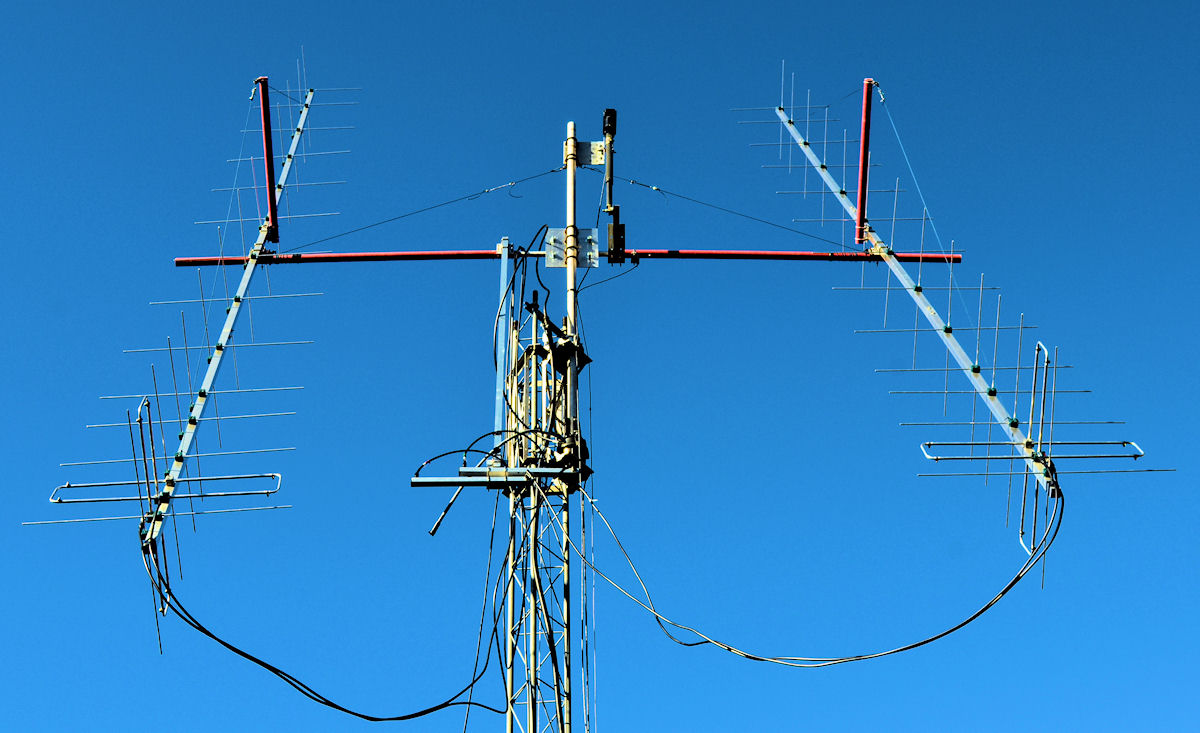
About a month ago my SWR suddenly jumped to 1.75:1 and the amplifier was not happy with this.  Using the analyzer I checked the complete 2x13 array and found the SWR was indeed 1.75:1 (see the image above on the left.)

I then proceeded to take the analyzer and notebook computer outside and test each antenna and phasing line individually, the power divider, and the feedline.  Everything looked good until I tested the feedline by itself and it exhibited a high SWR.  Luckily I had a run of ABR400UF cable going from the shack to the EME antenna array.  I switched to that cable and the SWR returned to 1.11:1 as you can see on the image at the right.  Click on any image here to see a larger view.

When more time is available I will see what is wrong with the other feedline and eventually get it back in service.  And, since the analyzer shows both antennas to be resonant about 0.355 MHz low, I may tweak them as well.  It's super-easy to do this with the DG5MK FA-VA5 Vector Antenna Analyzer. But, for now, this little Antenna Analyzer has completely paid for itself by getting me back on EME!

Friday, October 11, 2019

FA-VA5 Vector Antenna Analyzer

FA-VA5 Vector Antenna Analyzer
For a long time I have been wanting an Antenna Analyzer that is better than my MFJ-259B which I have owned for many years.  The 259B covers 1.8 to 170 MHz and is a nice little hand-held unit to find the SWR and resonance of your antennas.  It can read SWR, return loss and reflection coefficients simultaneously.  It has two meters (one for SWR and one for Impedance) as well as a 2-line digital display.  In addition to those normal functions, I have even used mine to as a Time Domain Reflectometer to find where I had accidentally cut a feedline.  I believe I paid about $250 for this unit several years ago and feel I have received my money's worth over the years I have used it.

However, it has (for me) a major drawback.  It is NOT a graphing device meaning that you can not see a visual display of the SWR curve or other measurements.  Also, it takes 10 AA batteries and that gets expensive if you use it a lot.  I always remove the batteries after I use it so that takes a bit of time.

Components in the Kit
I was now looking for a unit that would interface to a computer and allow me to save graphical images.  I have had an N8LP LP-100 Digital Vector RF Wattmeter for many years and have used that to save graphs from the data it acquires.  I have really enjoyed being able to create those graphs and save them for later reference.  I can look back at how my antenna performed on a certain date and see if anything has changed.  However, the LP-100, as nice as it is, is not a portable unit, it is just a piece of shack equipment that is limited in where I can use it.  Also, it only covers 1.8 to 54 MHz with the one directional coupler I own so that limits its use as well.

Charlie, N8RR, purchased a SARK 110 a couple of years ago and helped me tune my 2-M EME antennas with it.  That's quite a nice little unit which operates between 0.1 and 230 MHz.  Current price for this unit is $389 and I seriously considered purchasing one for myself.  It can save and transfer measurements and graphs via its USB interface to a computer.  Just what I want.  It has an internal Li-Poly-1000 mAh battery that should run the unit for 2.5 hours but it can be charged over USB so you can extend the operating time by connecting it to a computer.  It has a 3" Color display which is 400x200 pixels but having it connected to a computer with a larger screen makes it much more useful.
Presentation Case + Adapters

In addition to the cost of the unit, you need to purchase at least an OSL (Open, Short, Load) Calibration Set plus some SMA adapters since the unit only has a female SMA connector as it's antenna connection.  $59 will get you the OSL Calibration Set, 4 SMA adapters plus a rubber case.
Suggestions for Adapter Placements

So I began researching what type of Vector Antenna Analyzers were available.  WOW!  Prices can be VERY low.  You can buy a Chinese NanoVNA for only $79.99 from Amazon!  It has a 2.8" LCD screen, built-in 400 mAh battery, and covers up to 900 MHz.  Plus it can export files to the PC.  This could be just what I need.  But, could it be too good to be true?

I began looking at the reviews on the NanoVNA and several other low-cost units and eventually came to the conclusion that these were actually NOT precision pieces of equipment.  Many reviews mentioned problems with some of these devices including those who received units that failed to work out of the box.  While the price points were super attractive, I came to my own conclusion that "you get what you pay for" and decided against going the "low-ball" route.

Turn On Look
More research and I found the DG8SAQ VNWA 3 Low Cost 1.3 GHz Vector Network Analyzer available from SDR-Kits.  I really, really liked this unit.  It is indeed a precision piece of test equipment and it would cover the 1296 MHz band which was one of the things I was thinking would be nice for future UHF work.  BUT, it is not really a "hand-held" unit, it has no display and MUST be connected to a PC to operate, it has no internal batteries, etc.  But, BOY, did I like this unit!  The software written for it is really extensive and impressive.  I spent a lot of time figuring out how I could get this unit which would run me about $565 for the DG8SAQ VNWA 3 unit, presentation case, OSL Calibration Kit, and a 165 page "Guided Measurements" book.  WOAH!  This is one SERIOUS piece of test equipment.

Dual-Band Antenna Measurement
But, while reading and viewing YouTube videos about the DG8SAQ VNWA 3, I became aware of the DG5MK FA-VA5 Vector Antenna Analyzer.  This is a truly portable analyzer AND it uses the SAME wonderful software as the DG8SAQ VNWA 3!  It only requires 2 AA batteries (which should allow it to work for up to 40 hours), and has a large display with good visibility.  The unit measures just 5.9 x 3.35 x 0.87 inches so it will fit easily in one hand.  It contains a real-time clock with capacitor backup so measurements can be time/date stamped and it has an audible buzzer alert for minimum SWR.  And you can connect it to a PC for real-time measurements on a larger screen.  Doing this gives full control of the FA-VA5 to the software (like the SARK 110) so that measurements can be made much more quickly than by using the analyzer's simple controls.

The FA-VA5's graphic display shows the complex impedance, standing wave ratio, complex reflection coefficient, capacitance and inductance.  Using the DG8SAQ VNWA software it can also be used as a Time Domain Reflectometer (TDR) to help find defects in antenna installations, measure the length of cables, and other similar applications. 

TDR Measurement
Since this is a one-port device (unlike the DG8SAQ VNWA 3 which is a 2-port device), it is limited to only measuring the S11 parameter.  S11 is a complex reflection coefficient, made up of a real and imaginary component. A lot of other values can be derived from S11 like Standing Wave Ratio (SWR) and impedance Z. Very often those values will be displayed using a special chart type, the Smith-Chart. The Smith-Chart does allow solving a lot of matching problems graphically.

The unit does only cover 10 kHz to 600 MHz so I lose the ability to use it on the 1296 band but it does add the 432 MHz band to my measuring ability.  And, this is a band the SARK-110 does not reach. But I gain a tremendous amount of accuracy as well as the ability to use it with some really great software.  And, the antenna connection port is a BNC connection.  In my experience this is MUCH easier to use than the SMA connector and can speed up the measurement process significantly by keeping me from not needing to fiddle with the SMA connection. 

It is a "Kit" which will require a bit of assembly (approximately 3 hours) but the process looks pretty straightforward.  You can CLICK HERE for a 3-minute video showing the assembling of the unit. And, no small feature, the cost is MORE than reasonable!  The basic unit can be had for about $225 including shipping.  I chose to purchase the basic unit, a "Presentation Case", a 600 MHz OSL (Open, Short, Load) Calibration Kit, 5 BNC adapters, a BNC to BNC cable and a BNC to SMA cable.  Total price was $270.72 including shipping.  Obviously, the price / performance ratio is outstanding!  It is essentially the same amount of money I paid for the MFJ-259B so many years ago and about $200 less than I would pay for a SARK 110.  AMAZING!  Click on any image in this Post to see a larger image.

So, based on the high accuracy, low-cost, portability, great software and excellent documentation for this analyzer, I decided to order the FA-VA5 from SDR-Kits. When I first decided to buy the unit it was shown as being out-of-stock due to high demand and they were taking reservations.  I made my reservation and just 2 days later received an email saying the unit was now available.  I immediately made the purchase (paid for with Pay-Pal) yesterday (10/10/2019) and today received a tracking number from Deutsche Post.  I am really looking forward to receiving this Vector Antenna Analyzer and learning to use it and the software.